


Atlavox M1
$78.98
Choose Full Radio (US&CA) and the $1.99 stubby antenna. Select MeshCore under Mesh Platform and Companion BLE under Advanced MeshCore Options. Atlavox installs it before shipping.
Configure at AtlavoxPowered by MeshCore
Encrypted private chats and signed public posts. Send messages over a paired MeshCore radio without Wi-Fi or cell service. Your community builds and runs the network, and it grows as people add nodes.
Use cases
Stay connected with family and friends, meet your neighbors, and follow conversations across your region. Make a habit of checking in so you know who you can reach when the power goes out.
Let your people know you made it, from a day on the trail to an evening without power.
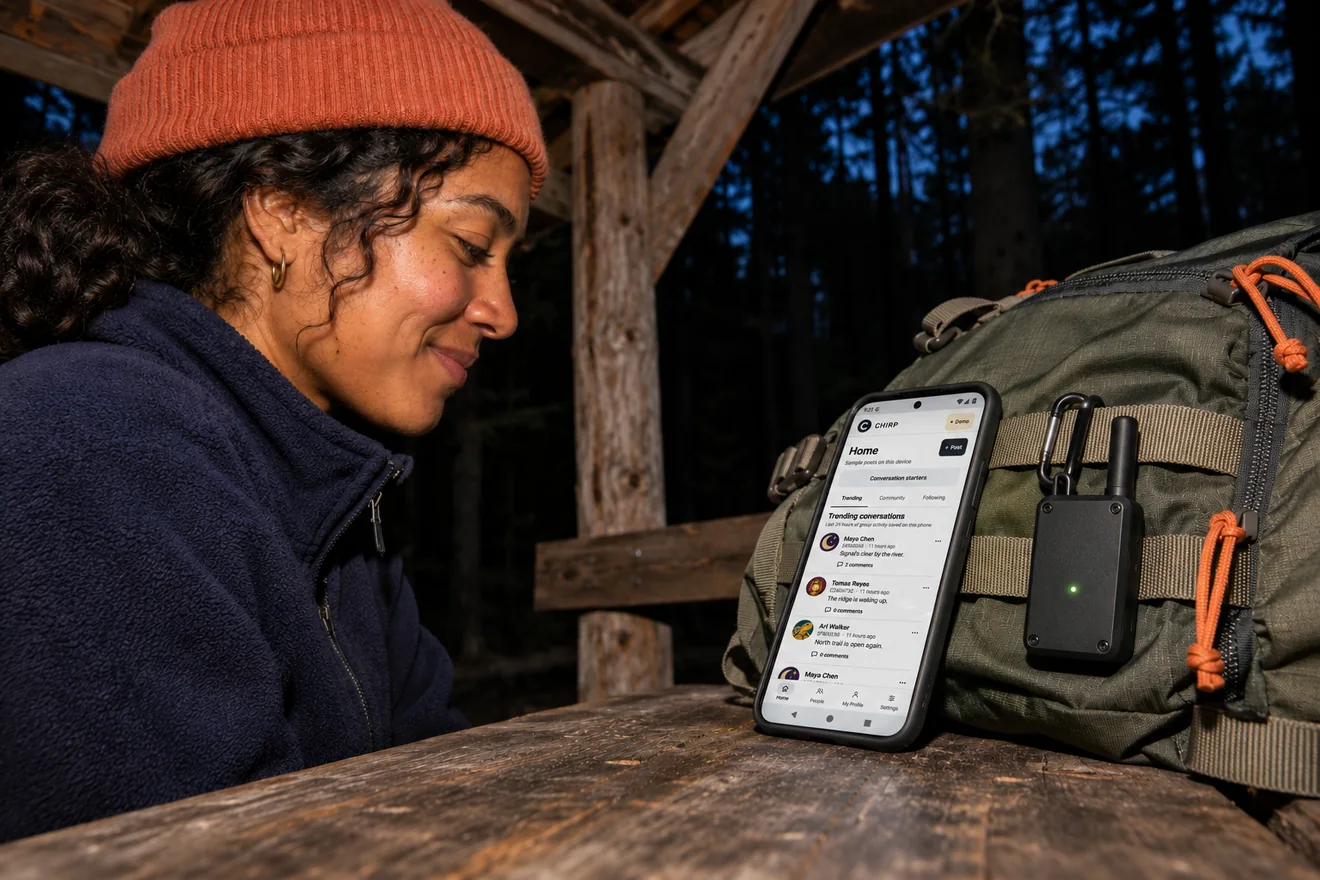
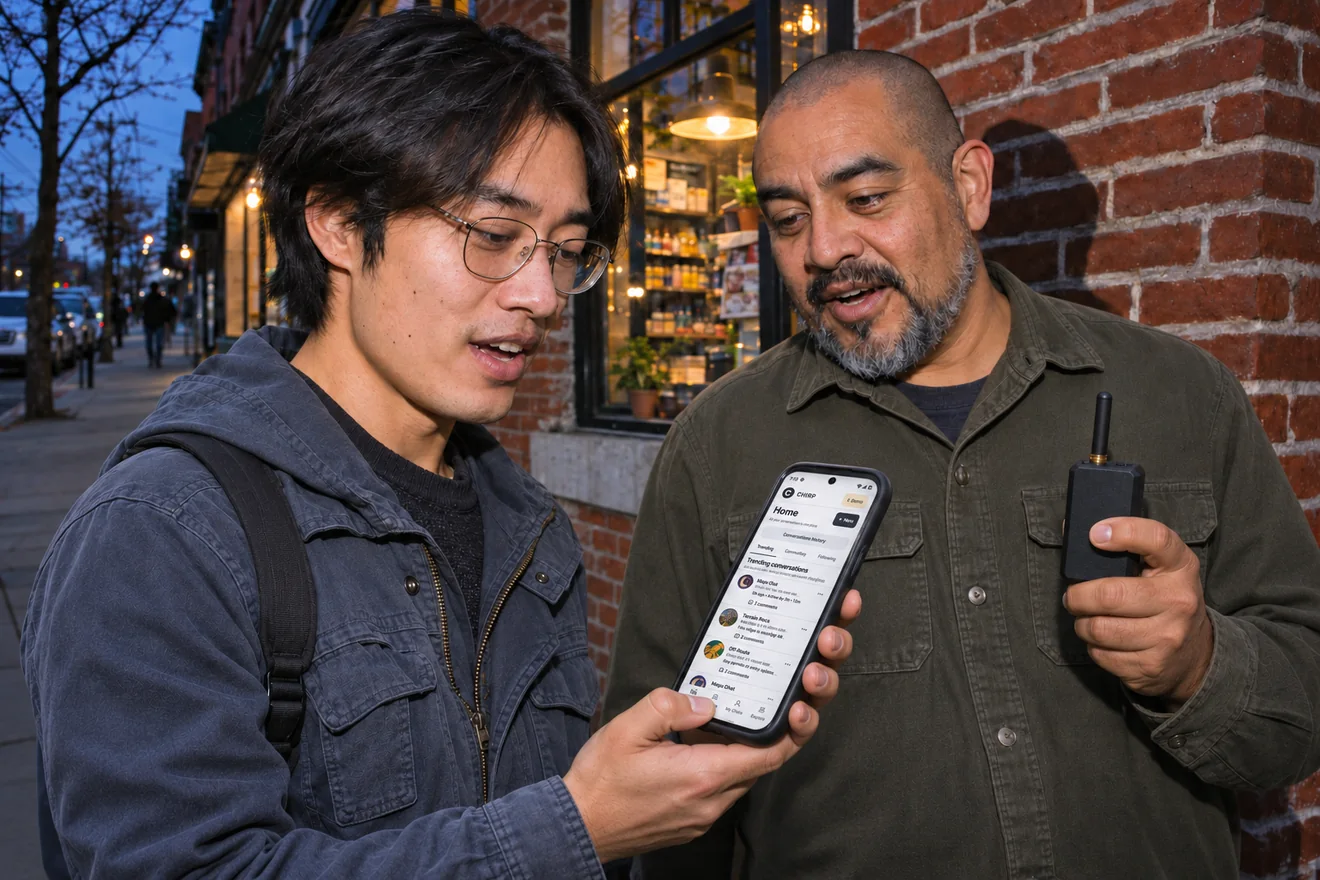
Talk about the places, events, and traditions that bring your neighborhood together.
Inside the app
Write a check-in, see it queue, and follow the replies as they arrive. Chirp keeps received posts on your phone so you can catch up offline.
How it works
Start with Android 13 or later. An iOS release is planned.
Connect a MeshCore companion radio to send and receive posts.
Follow people you know and keep personal check-ins, local updates, and regional conversations organized in threads.
North America
Explore publicly listed MeshCore nodes and repeaters. Zoom in to find nearby nodes, or right-click or long-press a spot to estimate radio coverage.
Node markers show reported locations. Radio reach depends on terrain, equipment, and which nodes are online.
Open full mapWorldwide · Last 90 days
| Snapshot date | Listed nodes |
|---|
Daily snapshots of publicly listed nodes, including companions, repeaters, room servers, and sensors. Data from MeshCore Profiles.
Starter hardware
Chirp pairs with radios running MeshCore Bluetooth Companion firmware. For the U.S. and Canada, choose a 915 MHz model and match your local mesh’s radio settings.
Average of the prices below
USD before tax and shipping
$78.98
Choose Full Radio (US&CA) and the $1.99 stubby antenna. Select MeshCore under Mesh Platform and Companion BLE under Advanced MeshCore Options. Atlavox installs it before shipping.
Configure at Atlavox$46.52
Choose the 915 MHz board with LILYGO factory firmware. Install MeshCore Companion Bluetooth for the T-Deck before pairing. Battery and case are sold separately.
$44.00
Seeed’s MeshCore edition ships with Bluetooth Companion firmware installed and includes a rechargeable battery.
View at SeeedSeller ratings are for the hardware and may include reviews from users running other firmware. U.S. listing prices and ratings checked .

Download
The public Android release is coming soon.
Coming soon Download APKSHA-256
iOS release planned.
Android 13+ · MeshCore companion radio for live traffic
Chirp can send and receive without cell service or Wi-Fi. During a blackout, your phone, companion radio, and the MeshCore nodes carrying your posts need power. Try a check-in with the people you plan to reach before an outage.
You can read posts already saved on your phone and compose drafts. To send or receive over the mesh, pair a MeshCore companion radio.
Chirp posts and replies are public. Anyone receiving them on your mesh can read them.